Every deadline, sorted by date
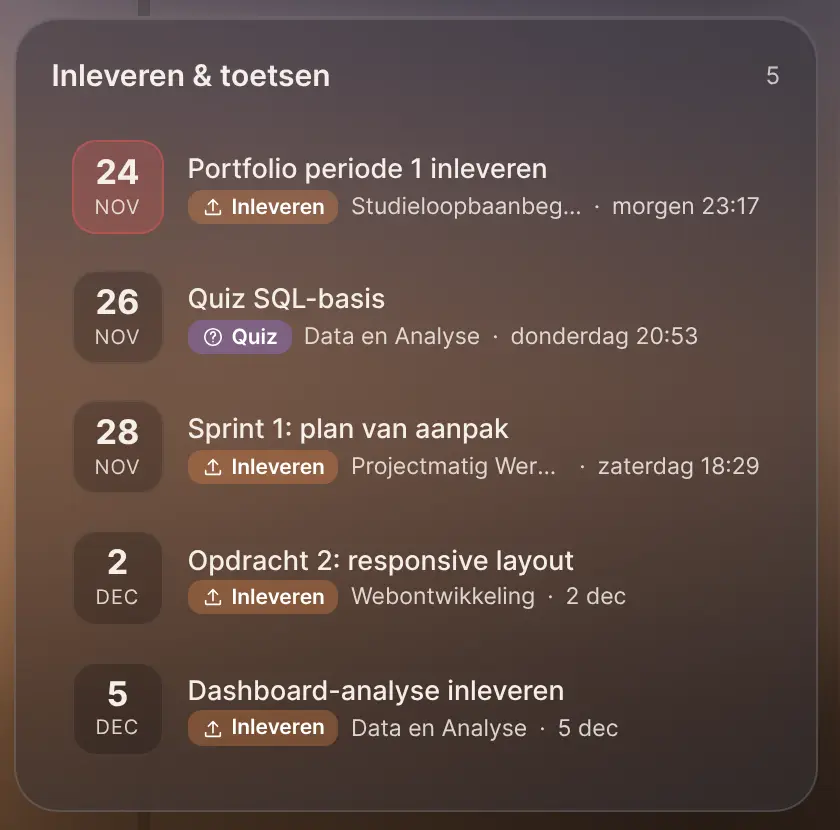
Classes and activities next to everything you need to hand in or sit a test for.
Add your school’s calendar link (iCal) and your timetable shows up on the dashboard.
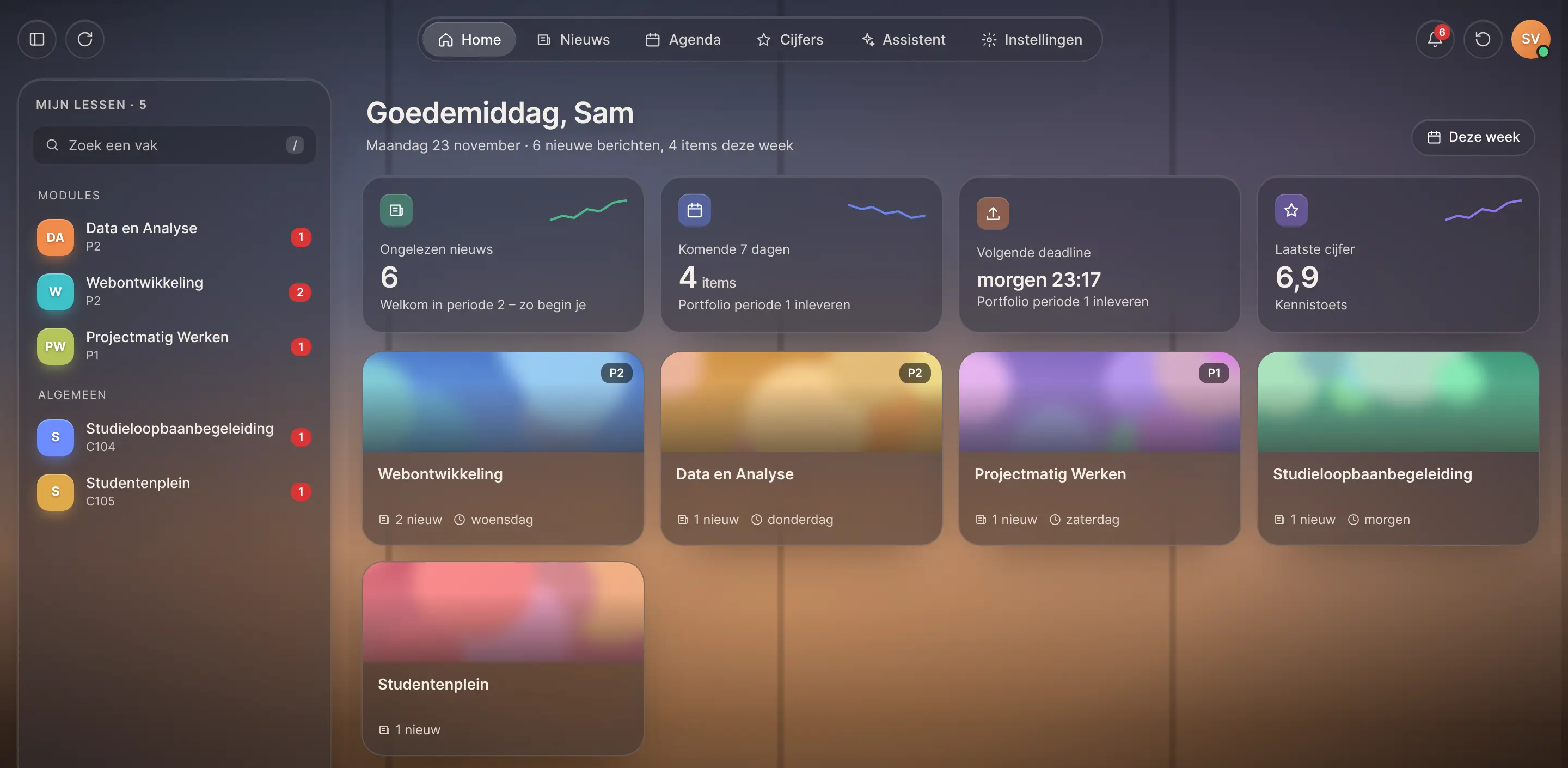
News, deadlines, grades and course material from every course, together on one clear dashboard.
Works with D2L Brightspace Not affiliated with D2L
Studypane is for Chrome on desktop.Send yourself a link
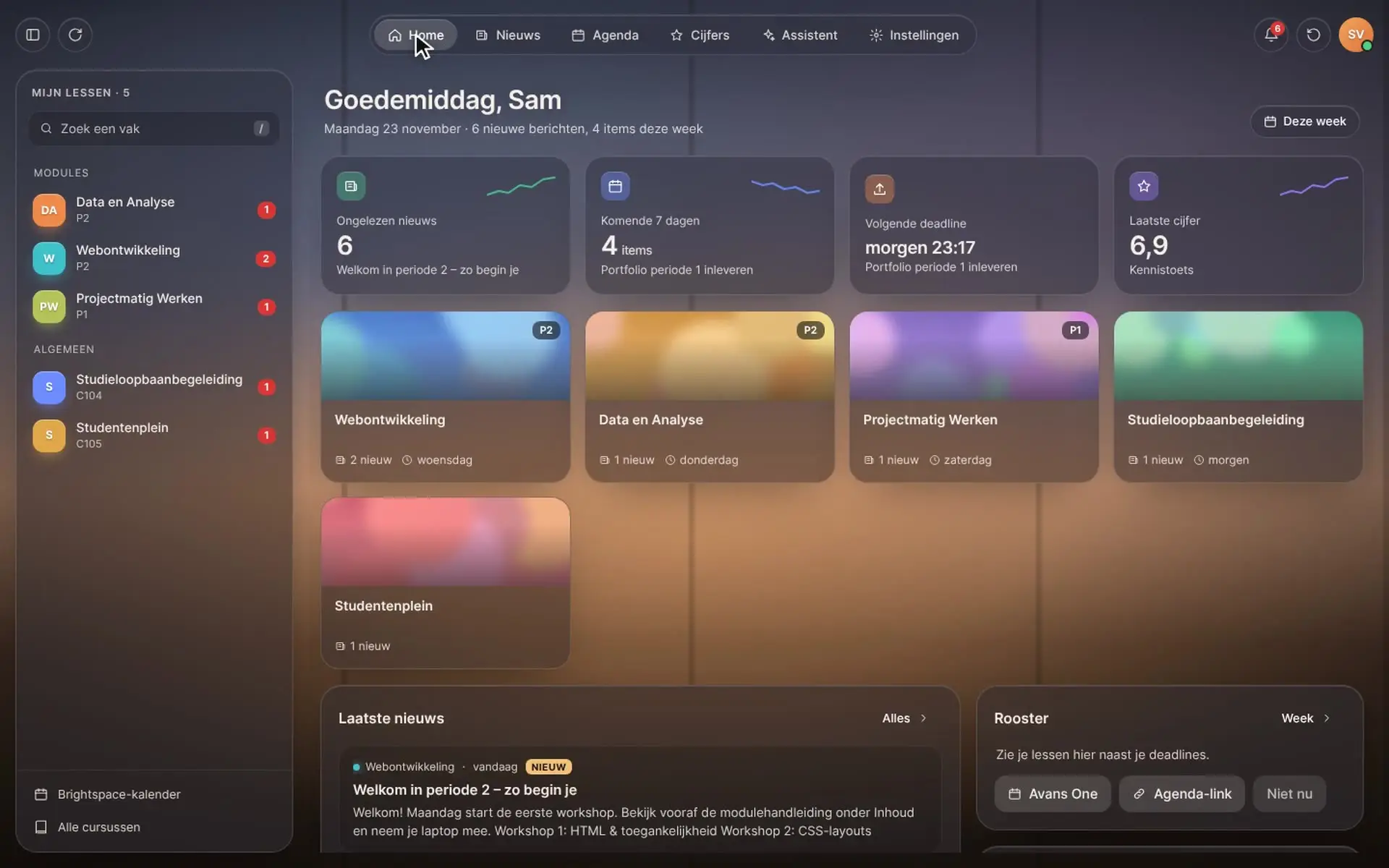
Brightspace has everything, but spreads it out. News lives inside each course, deadlines hide behind menus. Studypane was made by a student who kept losing track, and puts it all in one calm view.
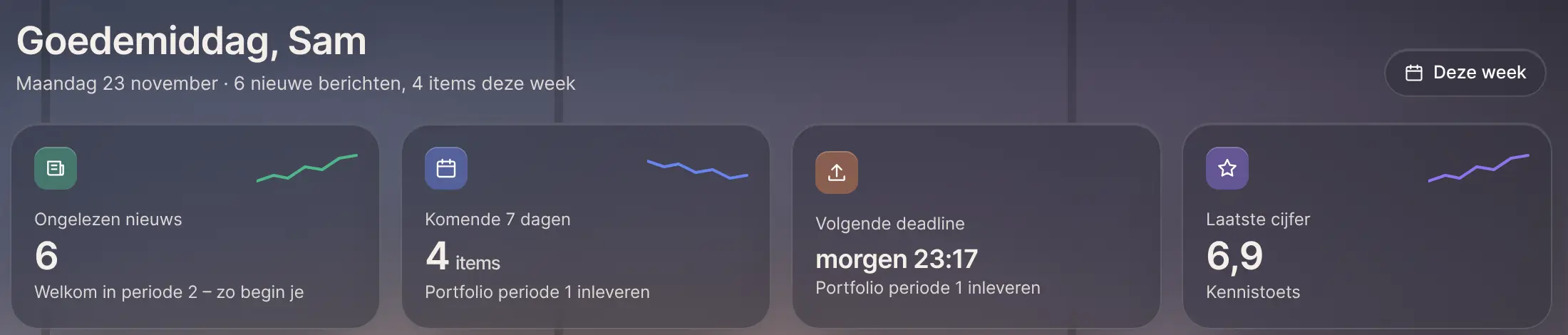
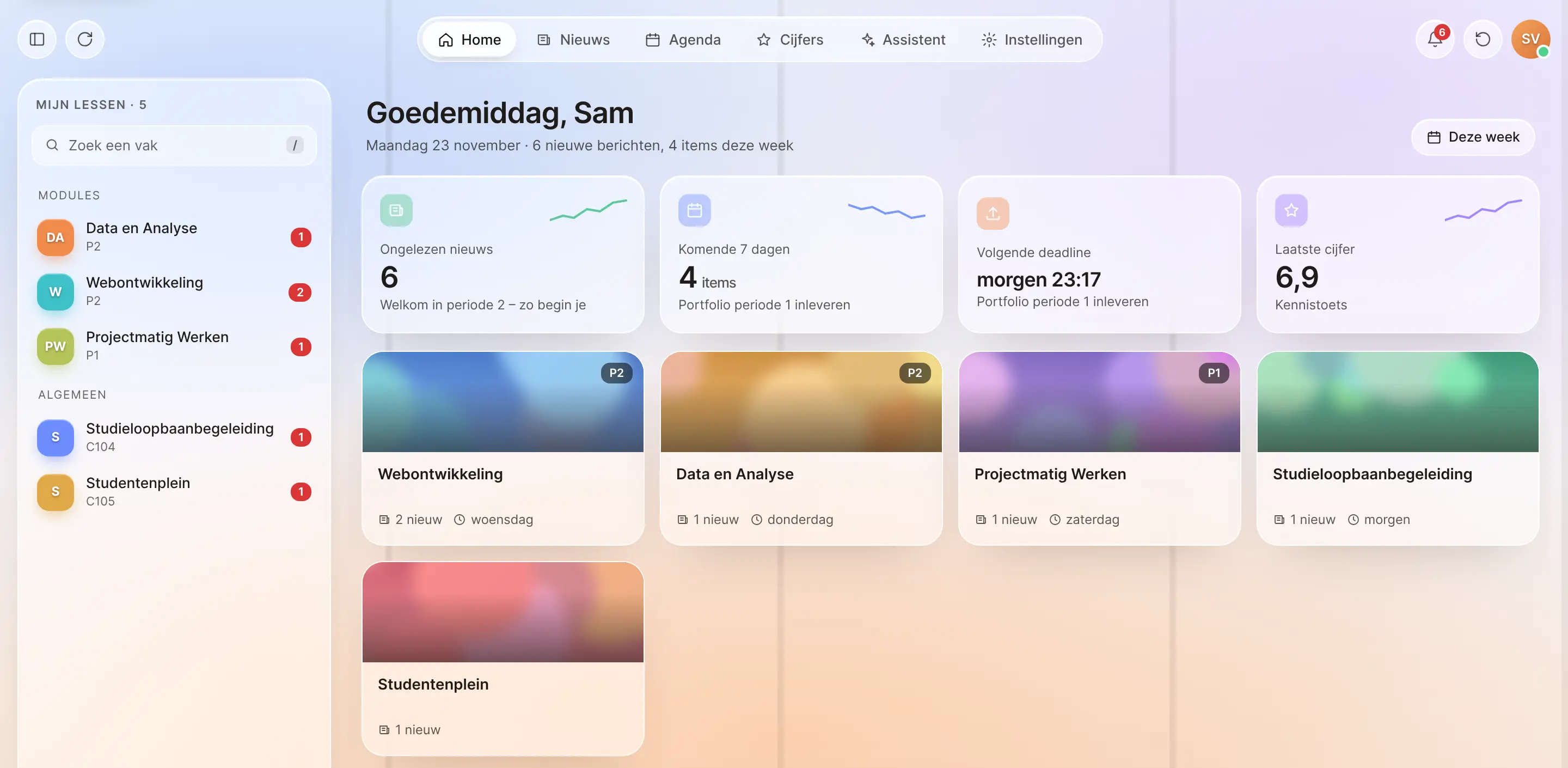
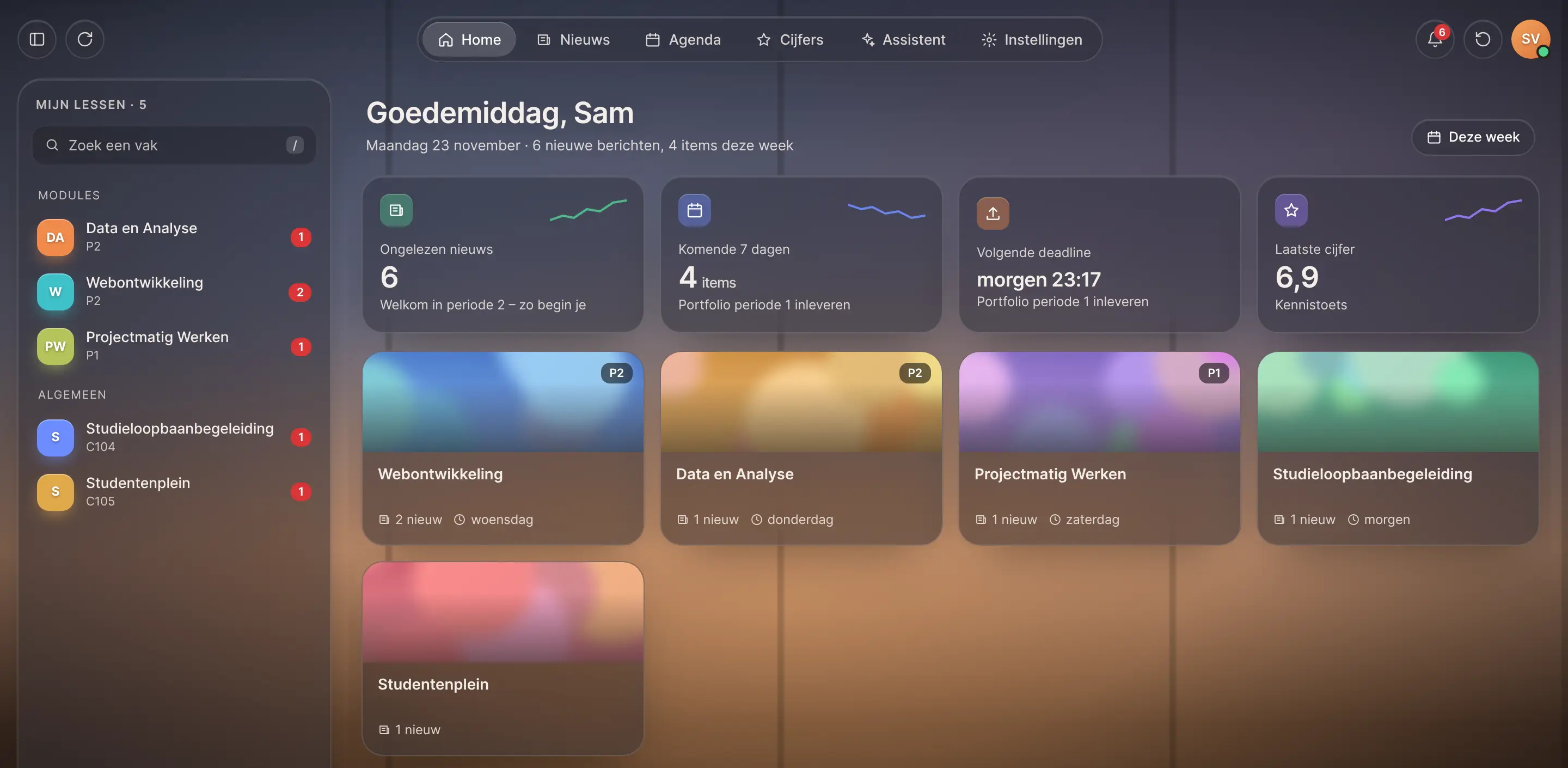
Instead of the standard start page: a greeting, unread news, deadlines for the next 7 days, your next deadline, your latest grade and all your courses as cards with a photo.
Classes and activities next to everything you need to hand in or sit a test for.
Add your school’s calendar link (iCal) and your timetable shows up on the dashboard.
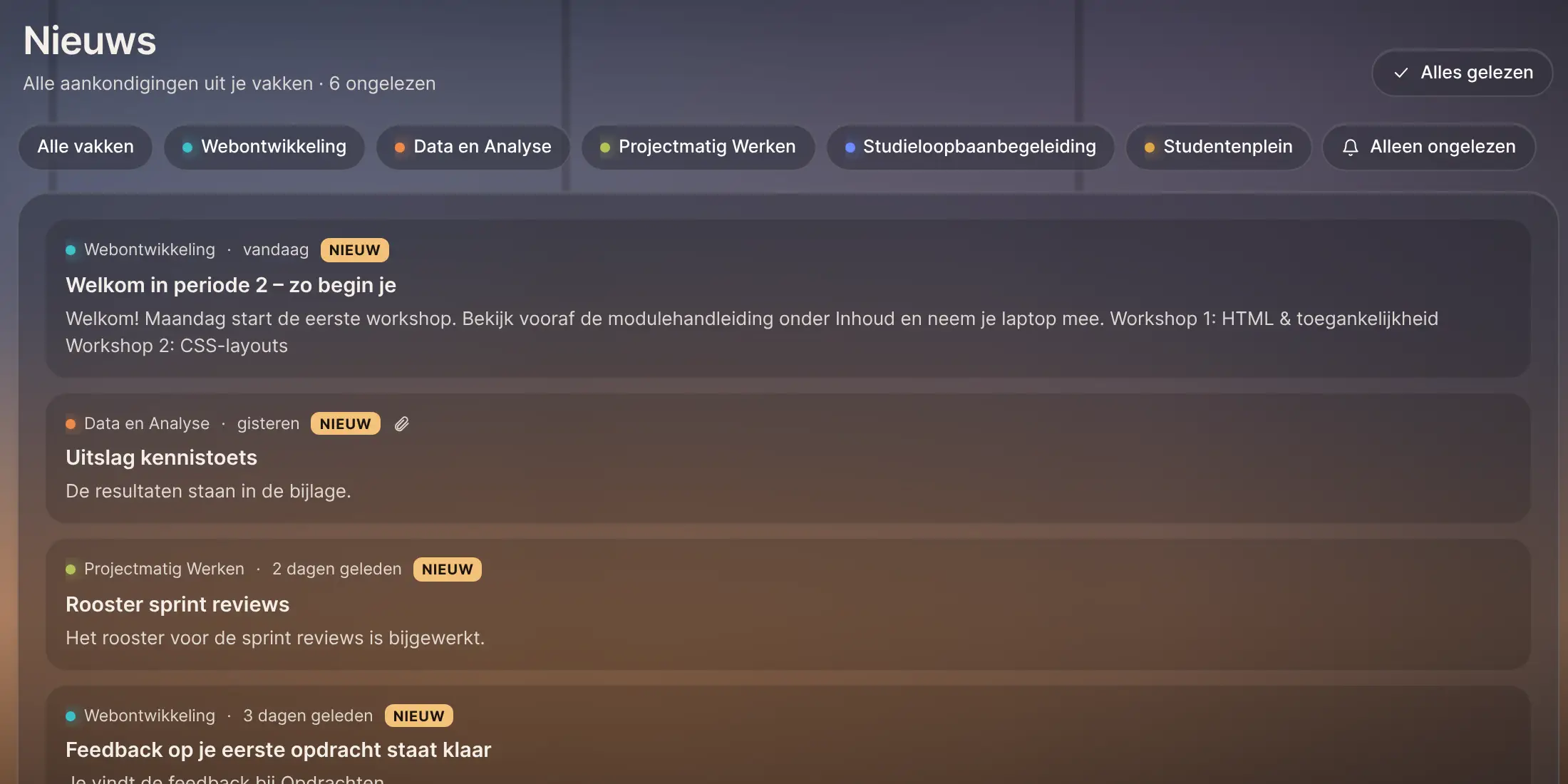
Announcements from every course together. Filter by course, or show only what you haven’t read.
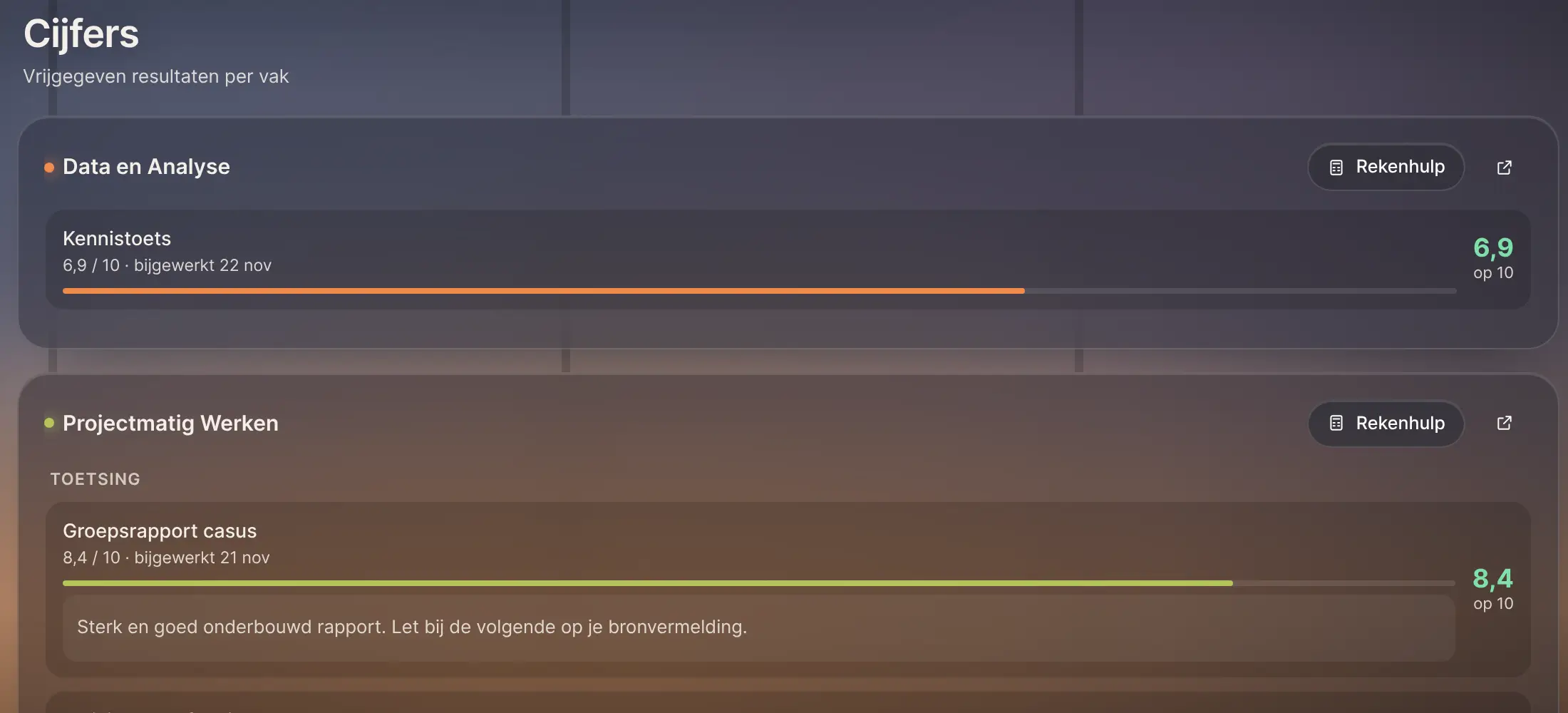
Every result per course, with your progress and your teachers’ feedback.
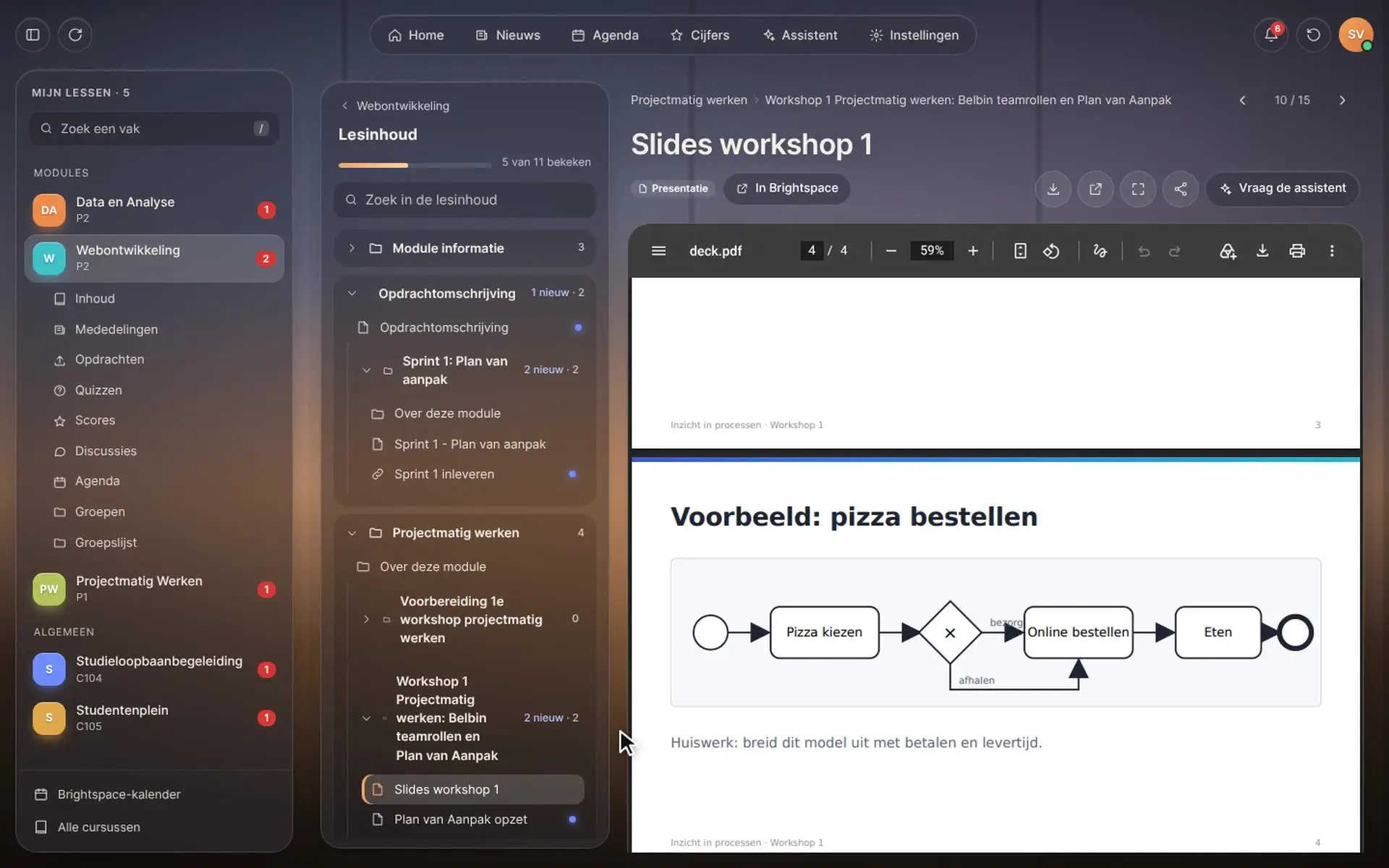
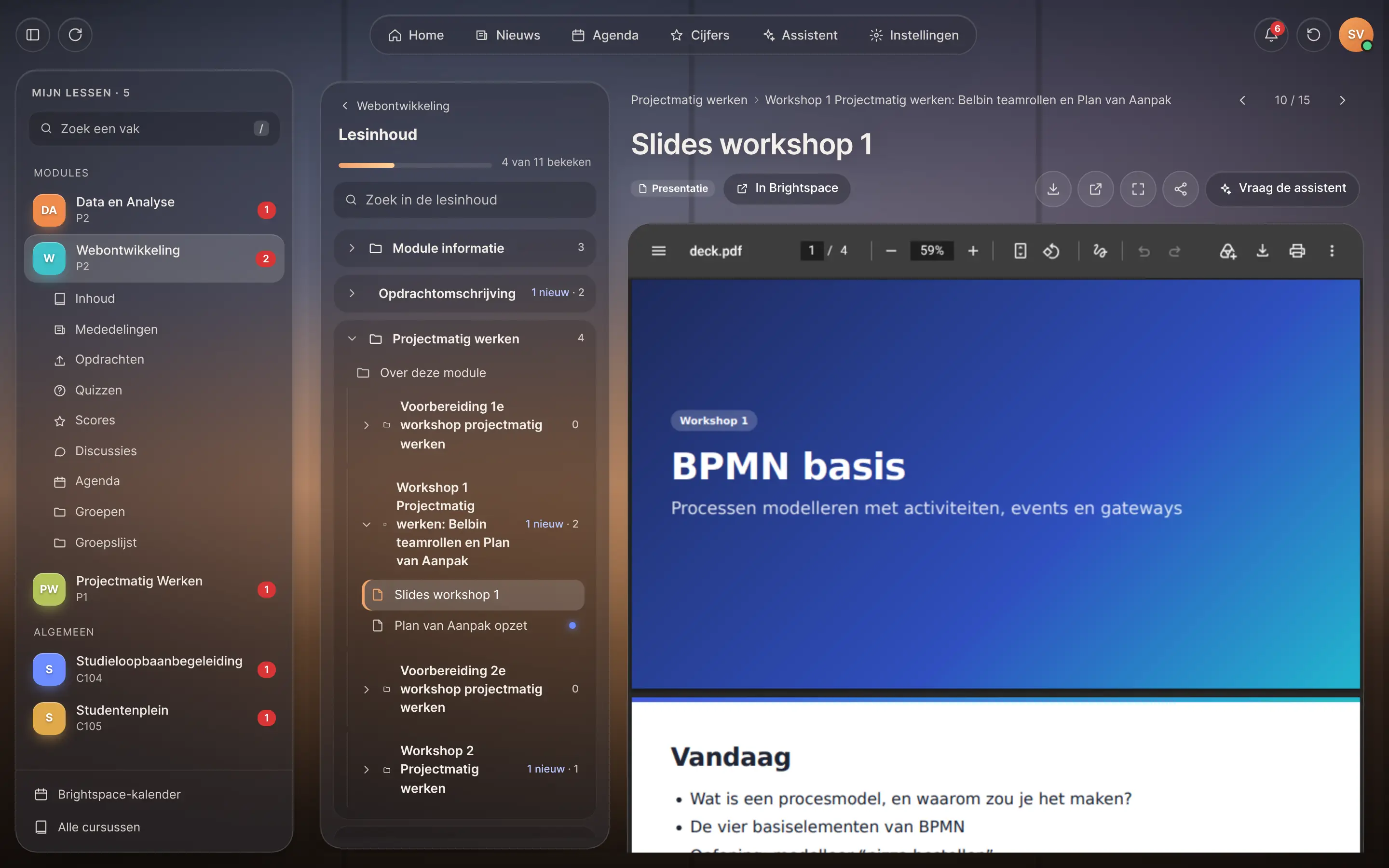
Course content as a tree on the left, the lesson on the right in clean, readable type. Previous and next are one click away.
PowerPoint presentations show up as slides, right in the reader.
Word documents and older Office files open in the reader too.
Keep any lesson page as a PDF or a .docx file.
Know how far you are, like “16 of 177 viewed”.
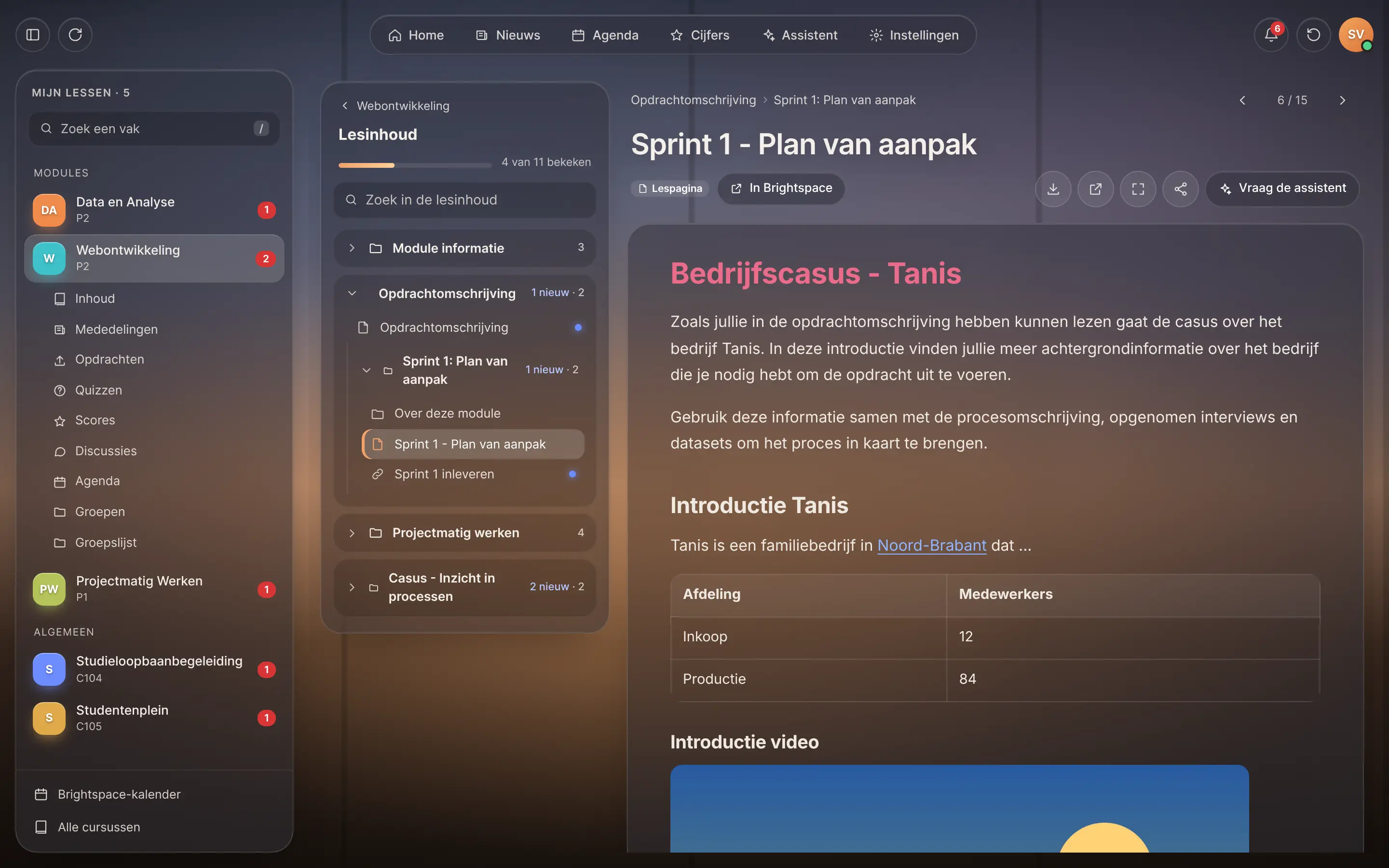
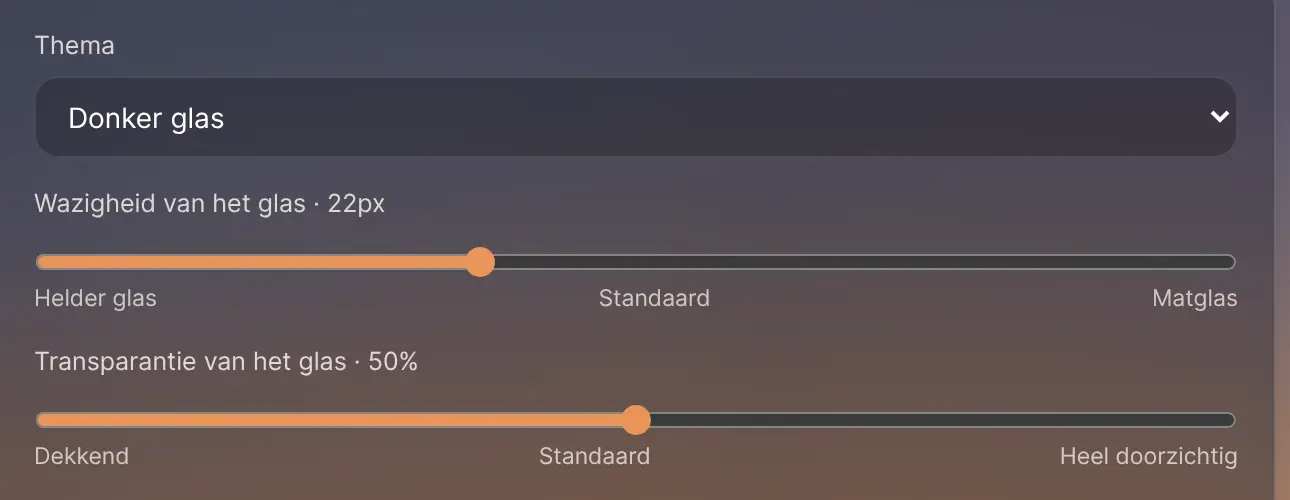
Choose light glass, dark glass, or automatic to follow your Mac or PC. You set the blur and transparency yourself.
Pick your own photo as the background and crop it to what you want in view. Free.
Regular Brightspace pages get the glass style too, with Studypane’s own bar and your course list.
School not on the list yet? Turn it on from the extension’s pop-up in one click, with your permission per address.
Reviewed against WCAG 2.2 for keyboard use, contrast and screen readers.
An “Original” button always opens the regular view, and you can switch the extension off.
Pro adds an AI assistant, deadline reminders and more. It’s in private beta and not for sale yet, so there’s no price. Join the waitlist by email.
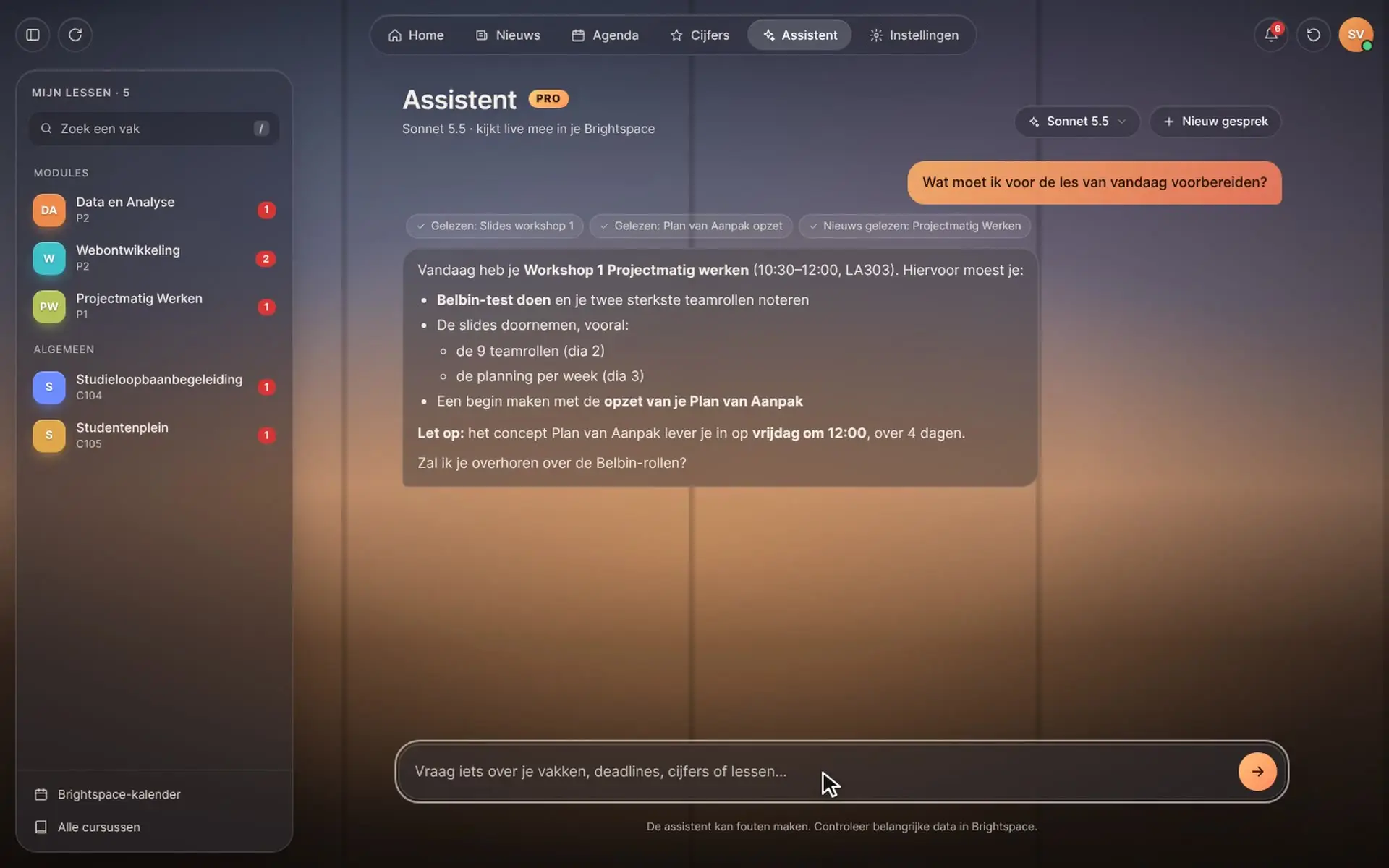
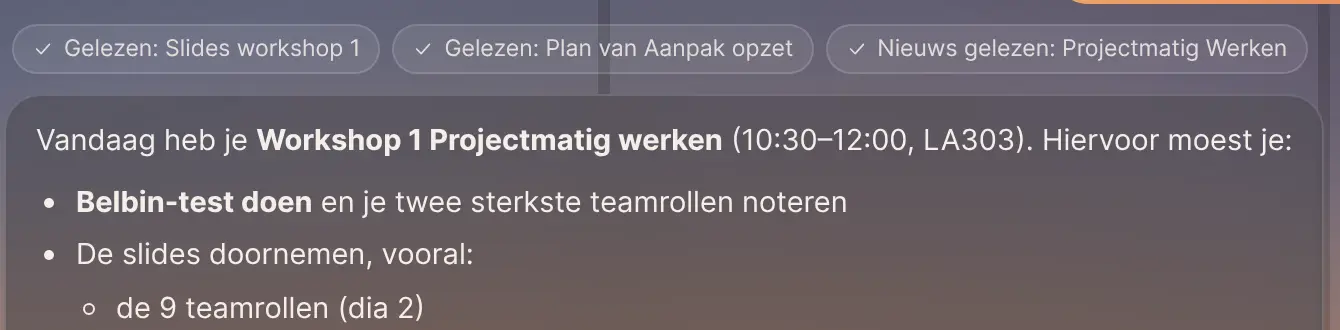
The assistant runs on Claude by Anthropic and looks at your Brightspace live. It can:
You choose the model: fast and cheaper, or smarter. For planning questions it switches to the smarter one by itself.
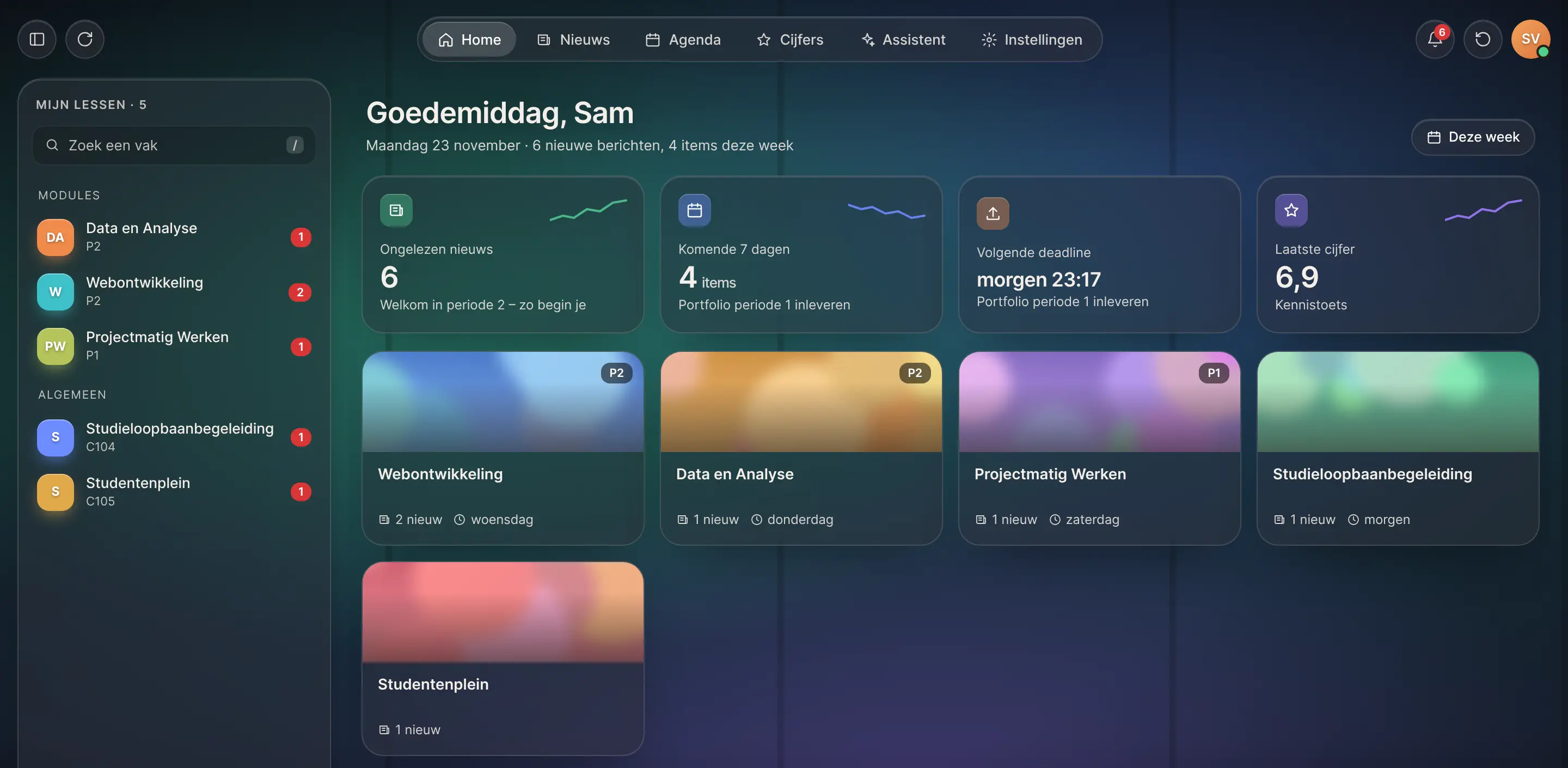
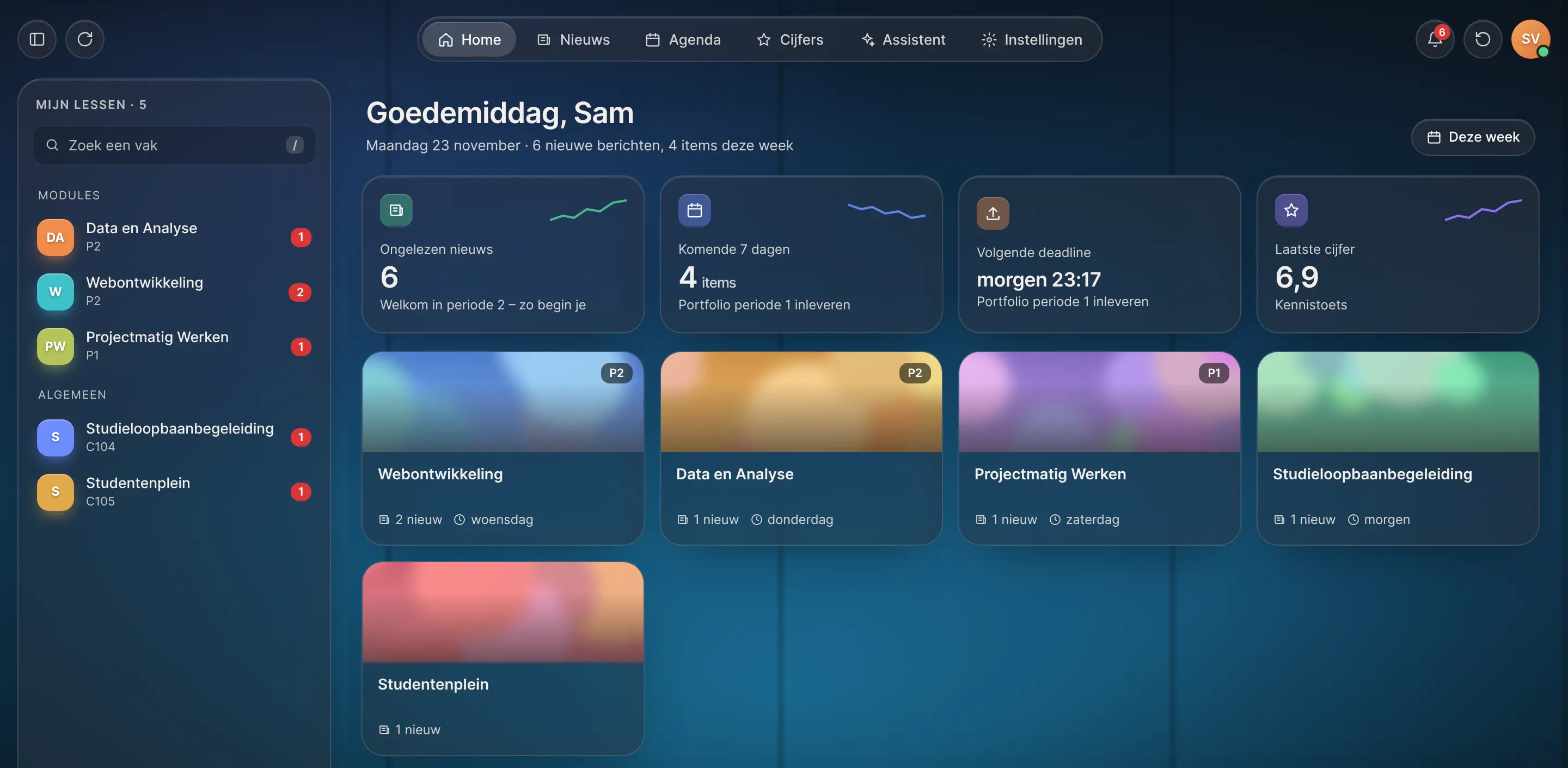
Switch the whole dashboard to another sky.
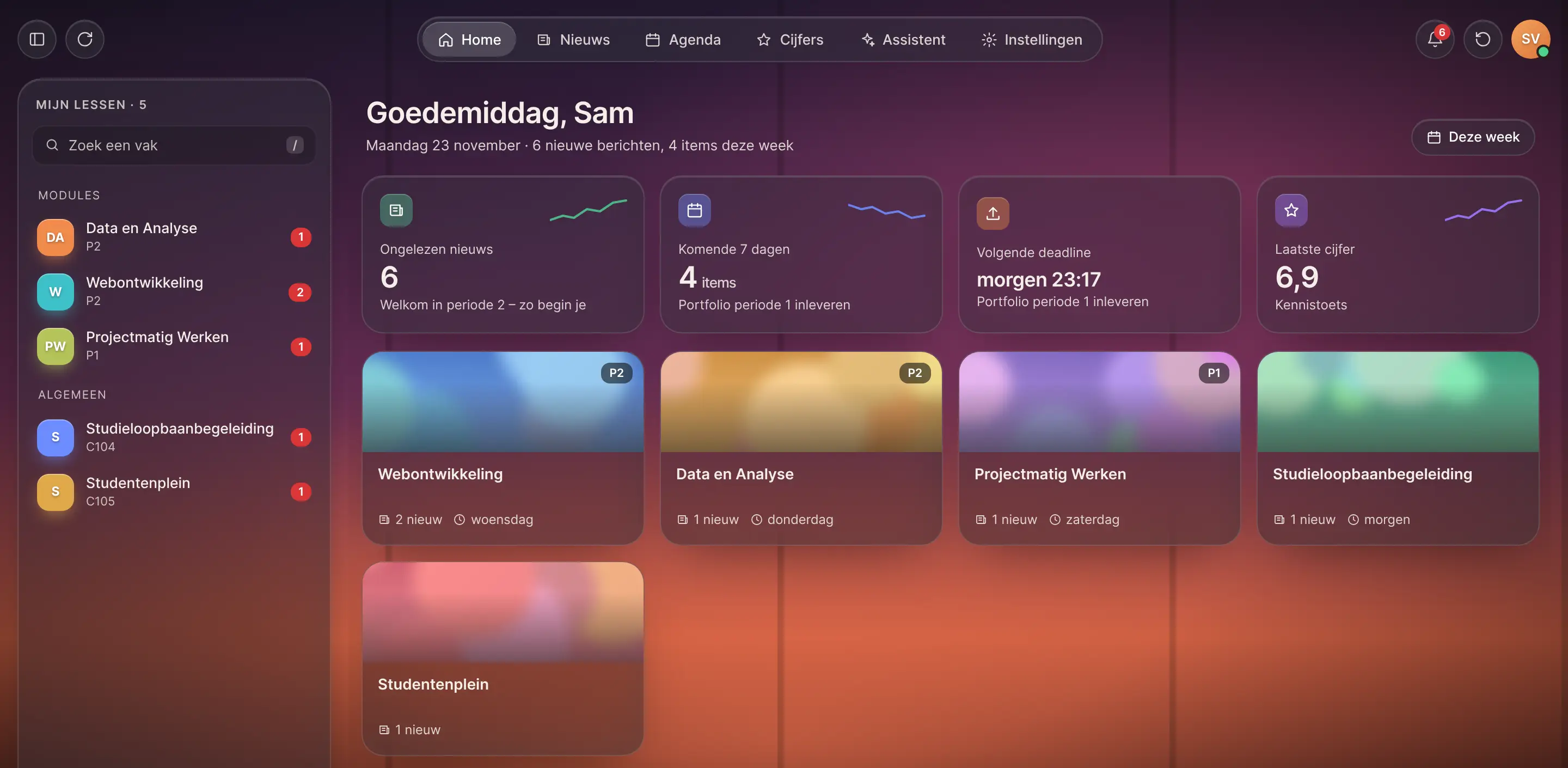
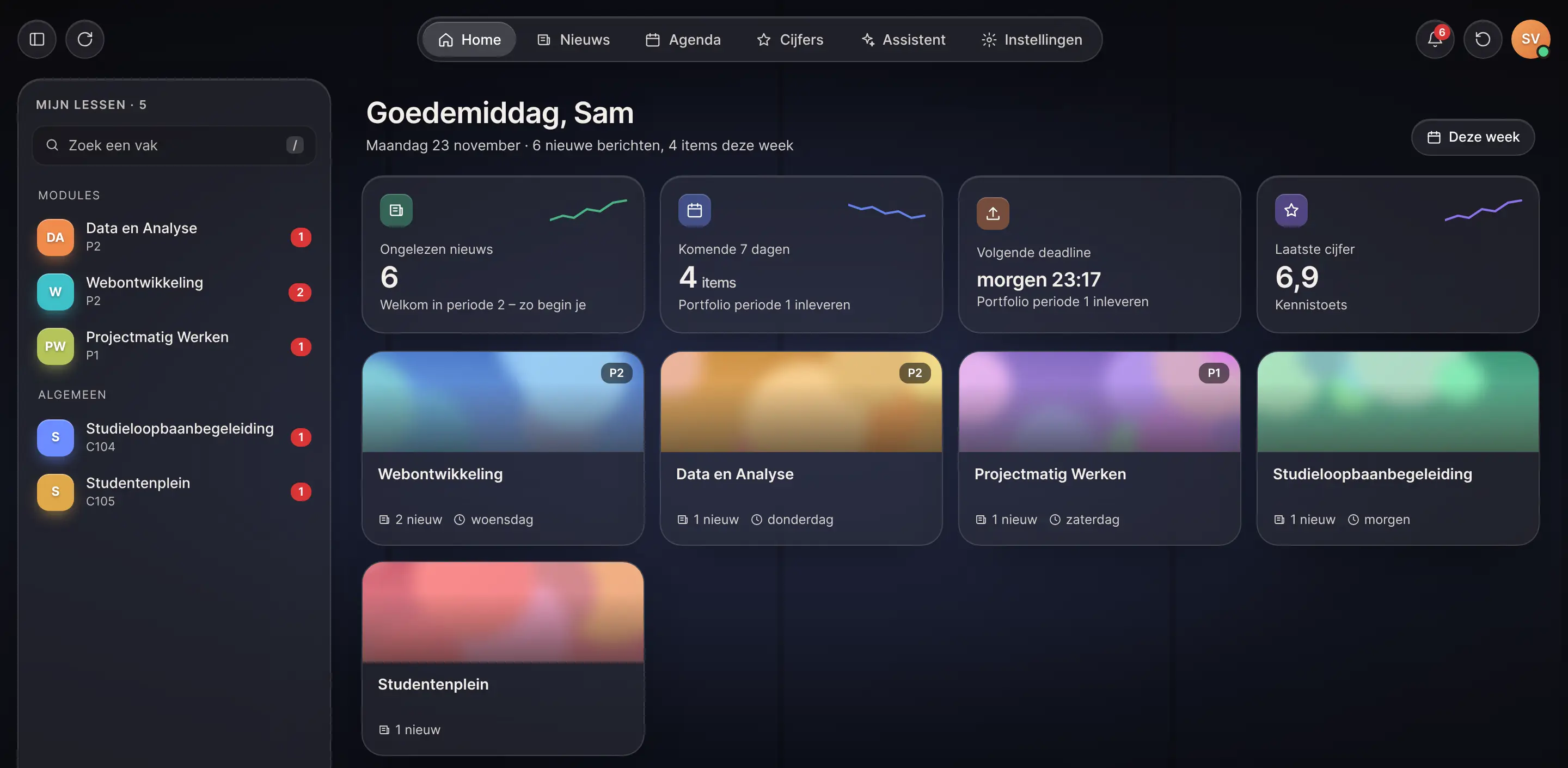
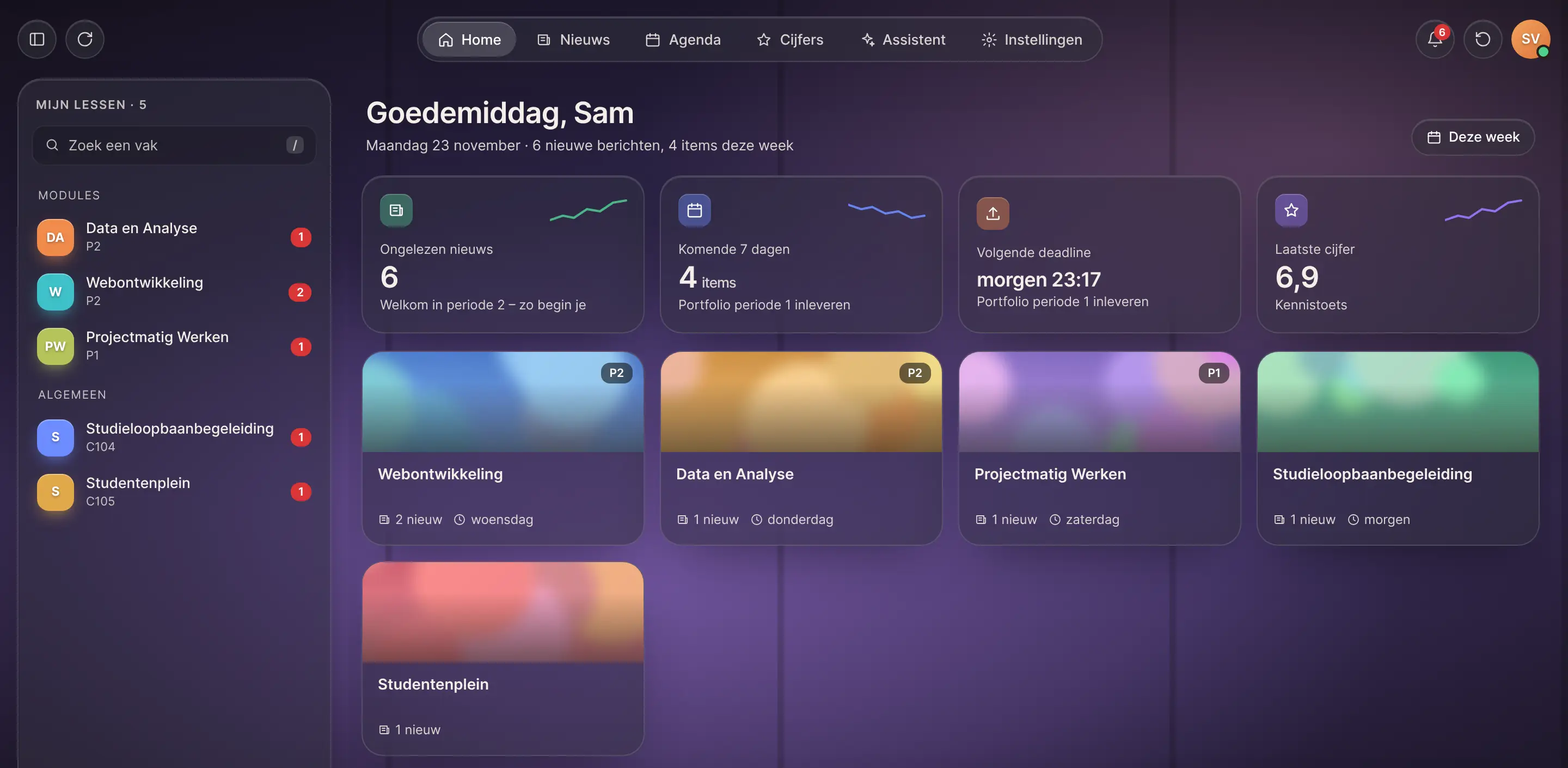
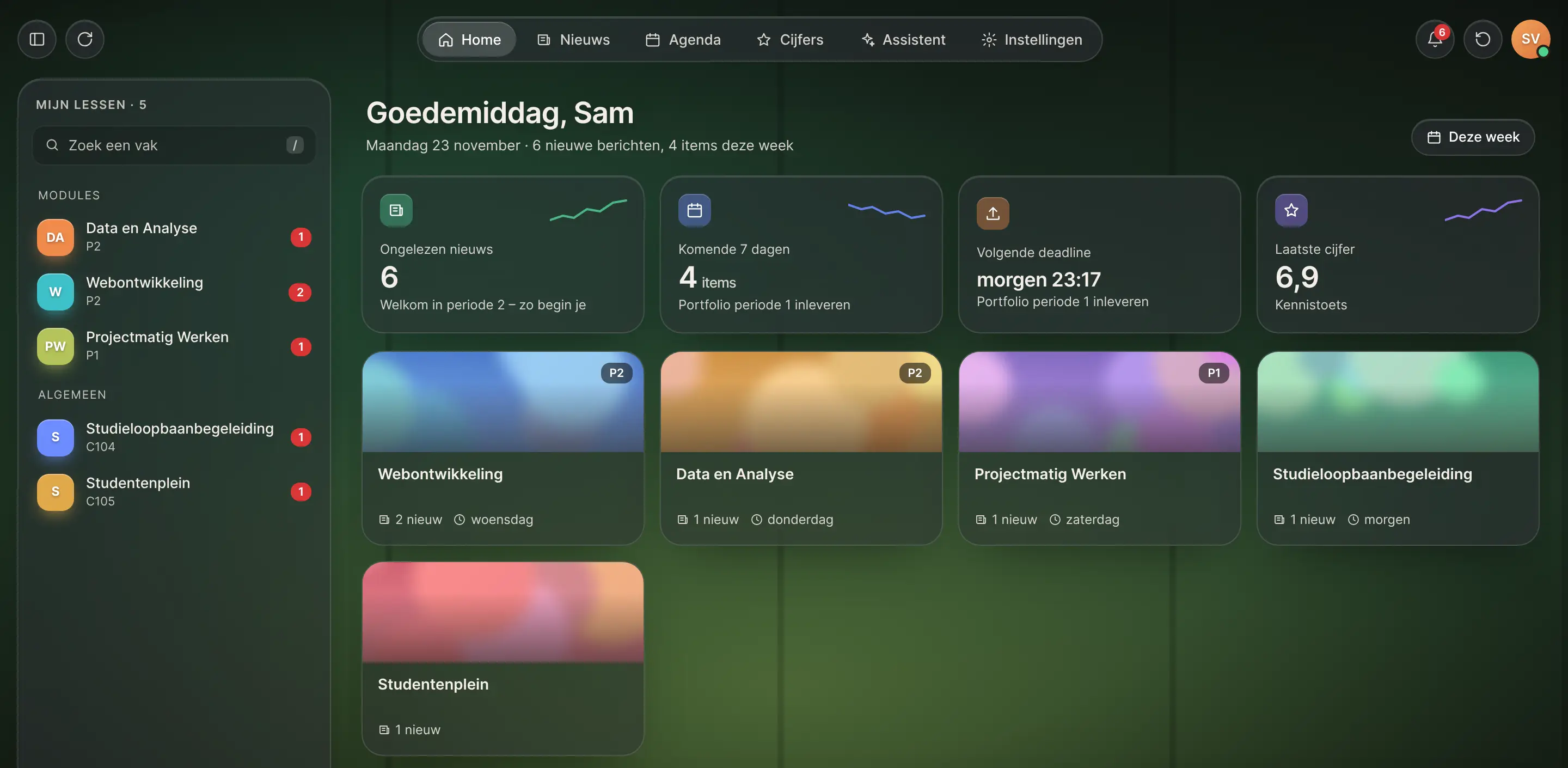
Notifications on your computer, even when Brightspace isn’t open.
Send your deadlines to Google Calendar, Apple Calendar or Outlook (.ics).
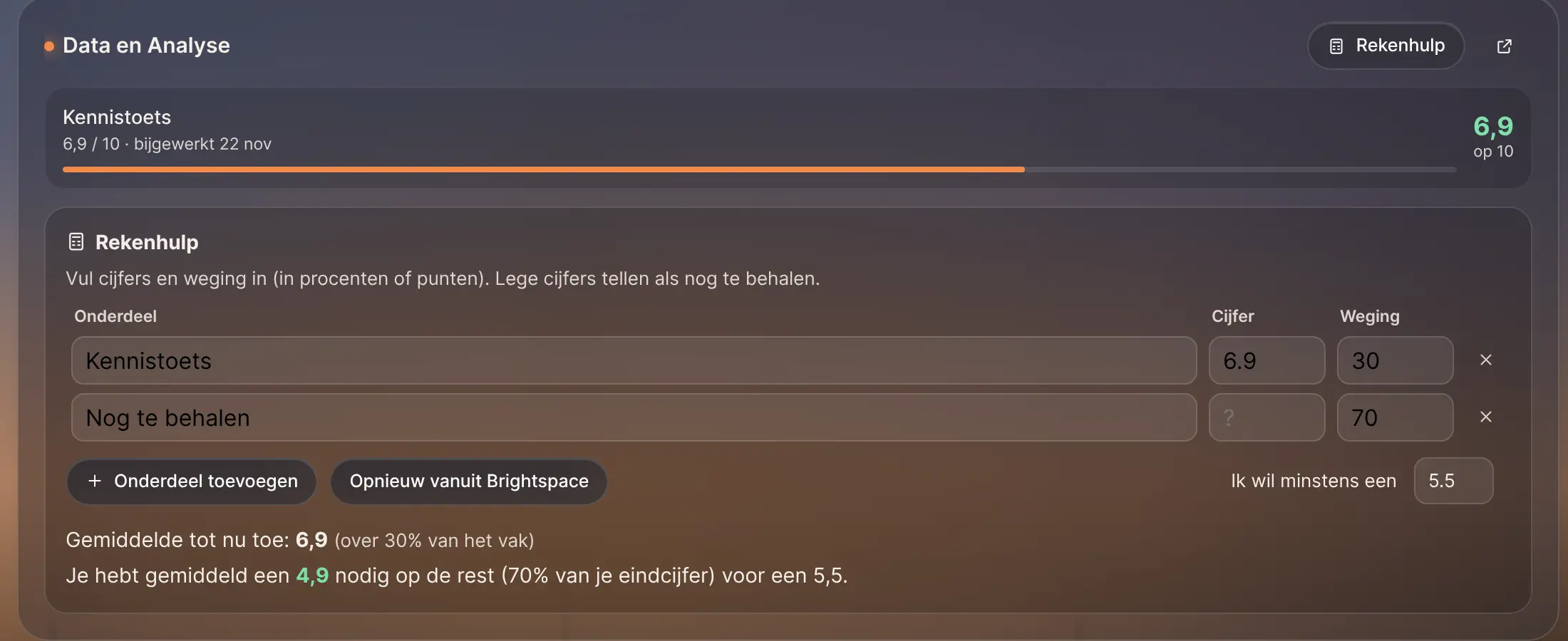
“What do I still need for a 5.5?” Or any other target grade, with weights.
| Feature | Free | Pro |
|---|---|---|
| Dashboard, news, calendar and grades | Included | Included |
| Reader with slides, Word files and PDF/Word export | Included | Included |
| Timetable via your school’s calendar link | Included | Included |
| Light, dark or automatic glass | Included | Included |
| Your own background photo | Included | Included |
| AI study assistant | Not included | Included |
| Deadline reminders on your computer | Not included | Included |
| Grade calculator | Not included | Included |
| Seven background themes | Not included | Included |
| Calendar export (.ics) | Not included | Included |
| Where your data goes | Stays in your browser | In your browser, except AI questions (sent to Anthropic) |
| Price | Free | Private beta, price to follow |
Studypane uses your existing Brightspace session. Nothing to sign up for.
The free version has no tracking and no analytics, and no Studypane server.
The font ships inside the extension. No requests to Google Fonts or other services.
Extra schools, timetable links and websites only work after you allow them. Scripts in course content never run.
This website keeps the same promise: no cookies, no trackers.
Read the privacy policyOpen Studypane in the Chrome Web Store and click “Add to Chrome”.
Go to your school’s Brightspace and log in like you always do.
Your new dashboard is there right away. School not listed? Click the Studypane icon and turn it on.
No. Studypane is an independent, unofficial project. It isn’t affiliated with D2L or with your school.
Studypane only changes how Brightspace looks in your own browser. It uses the same information you normally see.
Yes. There’s always an “Original” button that opens the regular view, and you can switch the extension off.
If your school uses D2L Brightspace, yes. It might have another name there, like “D2L”, “LEARN” or “MyCourses”. You turn your school on with one click.
Chrome on desktop: Mac, Windows and Linux. Other Chromium browsers like Edge, Brave and Arc can install Chrome Web Store extensions, but they aren’t officially tested.
No. Studypane works in Chrome on a desktop or laptop. There’s no mobile app.
The extension’s interface is currently Dutch; English is coming.
The regular version is free. Pro is in private beta; the price will follow.
None, in the free version. Everything happens locally in your browser. Read the privacy policy
Yes. Studypane used to be called Glaslokaal.
Free, for Chrome on desktop. Set up in three steps.
Works with D2L Brightspace Not affiliated with D2L
Studypane is for Chrome on desktop.Send yourself a link